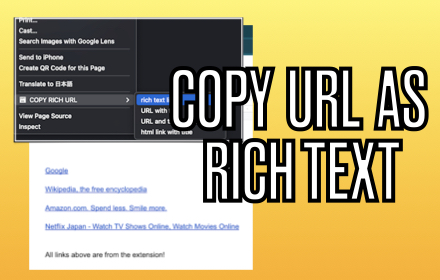
COPY RICH URL
Just clicking the icon and copying the link of the page as RICH TEXT. Markdown and other styles are available with right click menu.
As of May 2026, COPY RICH URL has 737 users and a 4.00/5 rating from 5 reviews in the Productivity category.
Usersup 9.0 percent+9.0%
737
737
Ratingno change0%
4.00
5 reviews
Reviewsno change0%
5
Version
0.7.1
Manifest V3
History
4 snapshotsTracking since Apr 1, 2026.
View as table
| Date | Users | Rating | Reviews | Version |
|---|---|---|---|---|
| Apr 1, 2026 | 676 | 4.00 | 5 | 0.7.1 |
| Apr 20, 2026 | 665 | 4.00 | 5 | 0.7.1 |
| May 5, 2026 | 674 | 4.00 | 5 | 0.7.1 |
| May 17, 2026 | 701 | 4.00 | 5 | 0.7.1 |
| Now | 737 | 4.00 | 5 | 0.7.1 |
Permissions & access
- Permissions
- contextMenusstorageactiveTabscripting
- Host access
- None declared
Screenshots



About
-----------------------
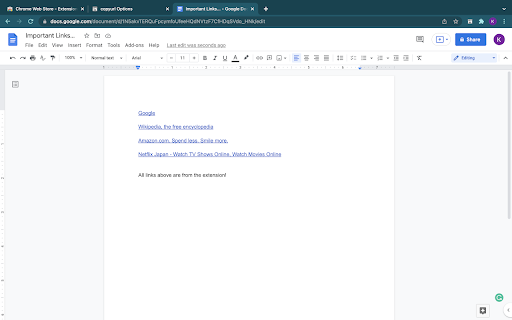
Just CLICK the icon, and the Formatted LINK(rich text link) is saved in your clipboard!!

You can paste the saved LINK with the title to your document(e.g. Google docs...) WITHOUT any editing.

Also, you can RIGHT-CLICK on the page and select the "COPY RICH URL" menu, now you can save the page link in various styles.

You can save to a clipboard ...
💕 as RICH TEXT,
❤️ Only URL of the page
💛 URL with Title of the page
💚 as Markdown style LINK
🧡 as HTML style LINK

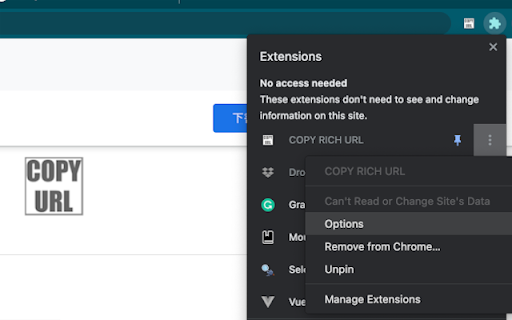
OPTIONS
========
From the extension menu, select the "option", and you can choose which feature to use.
Technical
- Version
- 0.7.1
- Manifest
- V3
- Size
- 19.17KiB
- Min Chrome
- 88
- Languages
- 2
- Featured
- No
Metadata
- ID
- lijjekihhdocbcginjcbipabahcjpjoe
- Developer ID
- u0a2d9eb5e0cc4a7704958e298525d4ae
- Developer Email
- [email protected]
- Created
- Jan 19, 2022
- Last Updated (Store)
- May 13, 2025
- Last Scraped
- May 17, 2026
- Website
- —
- Support URL
- —
- Privacy Policy
- —
Similar extensions
Alternatives to COPY RICH URL, ranked by description similarity.

Copy Text as Link
Copy the selected text as a HTML link to the clipboard that can be pasted in in supported editors with the hyperlink intact.
1.0K
★ 3.5

CopyCat: Link and Title
CopyCat: Link and Title.
77
★ 5.0

EasyCopyLink
You can copy page link from right-click menu to clipboard in various formats: Title, URL, Title+URL, HTML, Markdown, RichText.
1.0K
★ 5.0

URL Copy Helper
Copy current URL and Title. Rich Text is avalable!
168
★ 5.0

Rich Text Copy
Copy selected text or the title of a tab to the clipboard as either a rich-text hyperlink or a markdown link.
775

CopyURL
Copy link of current page in markdown format to clipboard
5
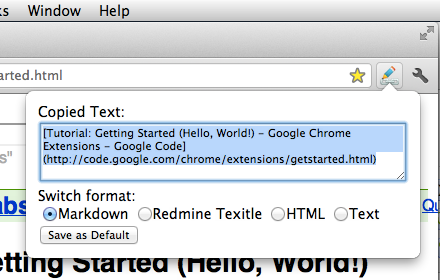
Format Link
Format a link and copy it to the clipboard.
1.0K
★ 4.5

Copy Formatter
Format copy pasted text
50
Data sourced from the Chrome Web Store · last verified May 17, 2026.