
Save Rendered HTML
A Chrome extension that saves the fully rendered HTML of the current tab.
As of May 2026, Save Rendered HTML has 1,000 users and a 3.00/5 rating from 4 reviews in the Developer Tools category.
Usersno change0%
1.0K
1,000
Ratingno change0%
3.00
4 reviews
Reviewsno change0%
4
Version
1.1.7
Manifest V3
History
1 snapshotsTracking since Apr 25, 2026.
View as table
| Date | Users | Rating | Reviews | Version |
|---|---|---|---|---|
| Apr 25, 2026 | 1.0K | 3.00 | 4 | 1.1.7 |
| Now | 1.0K | 3.00 | 4 | 1.1.7 |
Permissions & access
- Permissions
- activeTabdownloadsscripting
- Host access
- None declared
Screenshots
About
Save Rendered HTML Chrome Extension
===================================

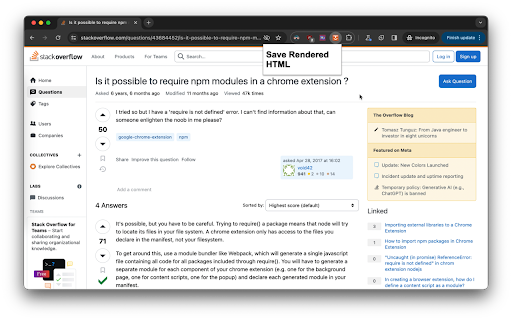
This Chrome extension allows you to save the fully rendered HTML of the current tab by clicking a button in the extension's popup.

Features
--------

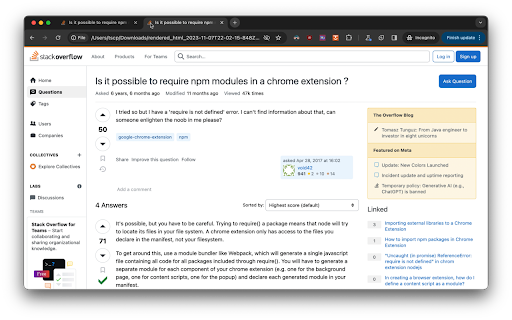
*   Save the fully rendered HTML of the current tab as a file
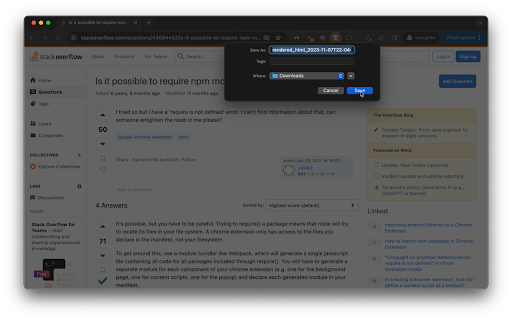
*   Automatically generates a timestamped file name for the saved HTML


Usage
-----

1.  Visit a web page in Google Chrome.
2.  Click the extension's icon to open the popup.
3.  Click the "Save HTML" button to download the fully rendered HTML of the current tab as a file.

The file will be named `rendered_html_<timestamp>.html`, where `<timestamp>` is the current date and time in ISO 8601 format.
Technical
- Version
- 1.1.7
- Manifest
- V3
- Size
- 164KiB
- Min Chrome
- 88
- Languages
- 1
- Featured
- Yes
Metadata
- ID
- pdlopbmgodpapaoeiagfcdcgdhmdpgpk
- Developer ID
- u20377c96f87ac4731d440fcb32ea6c26
- Developer Email
- [email protected]
- Created
- Nov 10, 2023
- Last Updated (Store)
- Nov 10, 2023
- Last Scraped
- May 22, 2026
- Website
- —
- Privacy Policy
- —
Similar extensions
Alternatives to Save Rendered HTML, ranked by description similarity.

HTML Capture Tool
Capture HTML content from web pages or specific elements and send it to an API for processing.
24

Save as HTML for Paraflow
Save any web page as HTML and import it into Paraflow for full editing and repurposing.
207
★ 5.0

Screenshot Extension
Take Screenshot
—

Save as MHTML
Effortlessly save web pages as MHTML files. Organize and access your saved pages anytime seamlessly.
34

HTML Source Extractor
Extract and copy the full HTML source code of any webpage. Automatically copies to clipboard and allows download.
92

Tab ID Viewer
Display and copy the current tab ID
69
View Rendered Source
View source is dead. See how the browser renders a page, not just what the server sends.
30.0K
★ 4.4

Screenshot a Tab
Capture viewport, full page, or element screenshots — like Chrome DevTools.
24
★ 5.0
Data sourced from the Chrome Web Store · last verified May 22, 2026.