Epic Screenshot
Take screenshot of a video
As of May 2026, Epic Screenshot has 10 users and a 5.00/5 rating from 1 reviews in the Developer Tools category.
Usersdown 9.1 percent−9.1%
10
10
Ratingno change0%
5.00
1 reviews
Reviewsno change0%
1
Version
1.0.0
Manifest V3
History
3 snapshotsTracking since Apr 1, 2026.
View as table
| Date | Users | Rating | Reviews | Version |
|---|---|---|---|---|
| Apr 1, 2026 | 11 | 5.00 | 1 | 1.0.0 |
| Apr 30, 2026 | 8 | 5.00 | 1 | 1.0.0 |
| May 27, 2026 | 11 | 5.00 | 1 | 1.0.0 |
| Now | 10 | 5.00 | 1 | 1.0.0 |
Permissions & access
- Permissions
- None declared
- Host access
- None declared
Screenshots

About
Take a screenshot of your favorite scene in a playing or paused video.

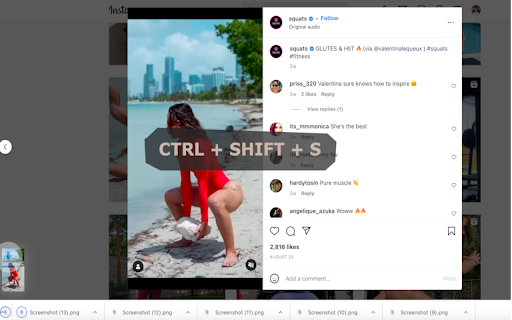
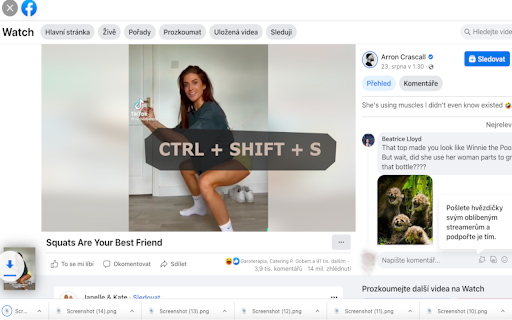
To take a screenshot, press:  Ctrl+Shift+S or Cmd+Shift+S or Alt+Shift+S or Ctrl+Shift+. or Cmd+Shift+. or Alt+Shift+. or Ctrl+Shift+, or Cmd+Shift+, or Alt+Shift+,.

Works in full-screen. Quality of the screenshot is the same as of the video.

This extension is designed to work on any video streaming site. It has been tested on youtube.com, instagram.com, facebook.com, twitch.com, vimeo.com and many more.

Known issues:
It may not work on some sites such as Netflix.com or Tiktok.com due to security reasons.
Technical
- Version
- 1.0.0
- Manifest
- V3
- Size
- 26.31KiB
- Min Chrome
- 88
- Languages
- 1
- Featured
- No
Metadata
- ID
- okpnppgjobiijpfknhoacmpmjkoobhid
- Developer ID
- u9ec1932cfd07428e36edb5fbd22d1ea6
- Developer Email
- [email protected]
- Created
- Sep 16, 2022
- Last Updated (Store)
- Sep 16, 2022
- Last Scraped
- May 27, 2026
- Website
- —
- Support URL
- —
- Privacy Policy
- —
Similar extensions
Alternatives to Epic Screenshot, ranked by description similarity.

Screenshot with URL - Full Page Screenshot
Capture full page, visible & selected area screenshots with URL bar & hidden Bookmarks, record screen with inbuilt editor.
7.0K
★ 4.9

Website Full Page Screenshot
Capture a full-page screenshot of the current website.
12
★ 5.0

Screenshot a Tab
Capture viewport, full page, or element screenshots — like Chrome DevTools.
24
★ 5.0

16:10 Screenshot Capture
Capture 16:10 aspect ratio screenshots with a floating guide
—

Quick Screenshot
Take full page or selected area screenshots.
7

SnipSnap Screenshot - Full Page Capture & Editor
Fast, reliable full page screenshot tool. Capture, annotate, edit, and share browser screen captures in seconds.
14

Screenzy
Take screenshots easier and faster with Screenzy
4

SnapPage Pro - Full Page Screenshot
Capture full page screenshots with advanced editing, annotations, and export to PNG, JPEG, or PDF
383
★ 5.0
Data sourced from the Chrome Web Store · last verified May 27, 2026.