
Highlighter
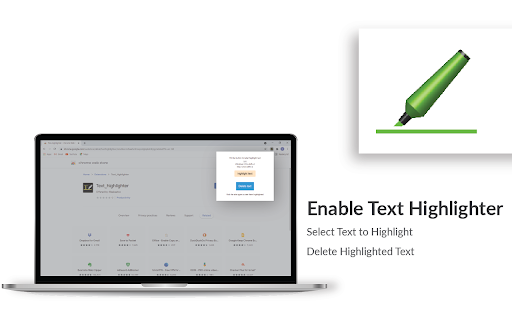
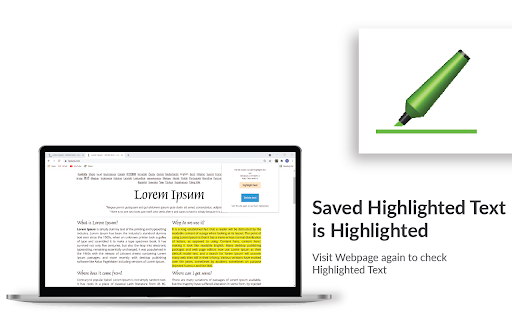
Highlight selected text in webpages, add notes and visit the webpage again to see highlighted text and saved notes.
As of June 2026, Highlighter has 1,000 users and a 4.82/5 rating from 91 reviews in the Workflow & Planning category.
Usersno change0%
1.0K
1,000
Ratingno change0%
4.82
91 reviews
Reviewsno change0%
91
Version
0.2.8
Manifest V3
History
1 snapshotsTracking since Apr 18, 2026.
View as table
| Date | Users | Rating | Reviews | Version |
|---|---|---|---|---|
| Apr 18, 2026 | 1.0K | 4.82 | 91 | 0.2.8 |
| Now | 1.0K | 4.82 | 91 | 0.2.8 |
Permissions & access
- Permissions
- storageidentityactiveTab
- Host access
- None declared
Screenshots


About
🖍️ Online Highlighter Extension for Chrome™ – Save & Organize Your Research Effortlessly

Looking for a reliable web 𝗛𝗶𝗴𝗵𝗹𝗶𝗴𝗵𝘁𝗲𝗿 Chrome™ extension to keep track of important information? This text highlighter Chrome™ extension makes it simple to highlight, save, and revisit key content on any webpage.

💡 𝗛𝗼𝘄 𝗜𝘁 𝗪𝗼𝗿𝗸𝘀:

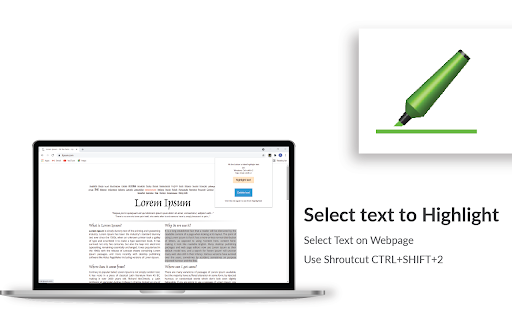
Highlight selected text on a webpage using the highlighter for Chrome™ and save it to view later.

Add personal notes to highlighted sections and access them whenever you revisit the page.

All your saved highlights and notes stay linked to the same webpage for quick reference.

⚡ 𝗤𝘂𝗶𝗰𝗸 𝗦𝗵𝗼𝗿𝘁𝗰𝘂𝘁𝘀 𝗳𝗼𝗿 𝗜𝗻𝘀𝘁𝗮𝗻𝘁 𝗛𝗶𝗴𝗵𝗹𝗶𝗴𝗵𝘁𝗶𝗻𝗴

Windows: Press Ctrl + Shift + 2 to highlight instantly.

Mac: Press Cmd + Shift + 2 for fast highlighting.

📝 𝗔𝗱𝗱 𝗡𝗼𝘁𝗲𝘀 𝗘𝗳𝗳𝗼𝗿𝘁𝗹𝗲𝘀𝘀𝗹𝘆

Windows: Press Ctrl + Shift + 4 to add a note instantly.

Mac: Press Cmd + Shift + 4 for quick note-taking.

With this highlighter for web pages, you’ll never lose track of critical insights, research notes, or references again. 🚀 Perfect for students, professionals, and researchers who need an efficient highlighter Chrome™ extension to stay organized.
Technical
- Version
- 0.2.8
- Manifest
- V3
- Size
- 285KiB
- Min Chrome
- 88
- Languages
- 1
- Featured
- Yes
Metadata
- ID
- kfbnpbhllihccfgndikfncfpahfcgbon
- Developer ID
- u97de76839bcd68fe94d417a5739f131d
- Developer Email
- [email protected]
- Created
- Jul 12, 2021
- Last Updated (Store)
- Dec 17, 2025
- Last Scraped
- Jun 3, 2026
- Website
- —
- Support URL
- —
- Privacy Policy
- https://multivariate.tech/privacy-policy/
Similar extensions
Alternatives to Highlighter, ranked by description similarity.

HelpMeResearch
A highlight extension
2
★ 5.0

Web Highlighter – Highlight Text, Save Notes & AI Study Tool
Highlight text on any webpage, save notes, AI flashcards & summaries. Free annotation & research tool. Liner & Weava alternative.
811
★ 4.6

Web highlighter & take notes
Instantly highlight web content and take notes directly on any page.
51
★ 2.0

Web Highlighter Pro: Smart Folders, Notes & Research Assistant
Save & organize web content with multi-color highlighting, smart folders & beautiful notes. Create, organize with ease!
54
★ 5.0

Highlighter Plus
✨ A powerful text highlighter that helps you highlight and organize text. Perfect for research and study!
198
★ 5.0

LinkLight - Highlighter for the Web
Highlight text on any webpage and save it to your personal notebook with tags and colors.
4
★ 5.0

Highlighter Guru
Highlight and save text easily in Chrome! This extension helps you mark important stuff and store it neatly in folders for later.
109
★ 4.2

Highlighter Plus Copier Pro
Highlight and categorize text on web pages
42
★ 5.0
Data sourced from the Chrome Web Store · last verified Jun 3, 2026.