Operator
Your productivity assistant
As of May 2026, Operator has 87 users and a 4.83/5 rating from 6 reviews in the Workflow & Planning category.
Usersno change0%
87
87
Ratingno change0%
4.83
6 reviews
Reviewsno change0%
6
Version
0.1.7
Manifest V3
History
3 snapshotsTracking since Apr 1, 2026.
View as table
| Date | Users | Rating | Reviews | Version |
|---|---|---|---|---|
| Apr 1, 2026 | 87 | 4.83 | 6 | 0.1.7 |
| Apr 30, 2026 | 84 | 4.83 | 6 | 0.1.7 |
| May 28, 2026 | 70 | 4.83 | 6 | 0.1.7 |
| Now | 87 | 4.83 | 6 | 0.1.7 |
Permissions & access
- Permissions
- tabs
- Host access
- None declared
Screenshots

About
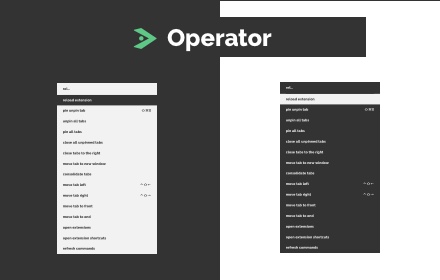
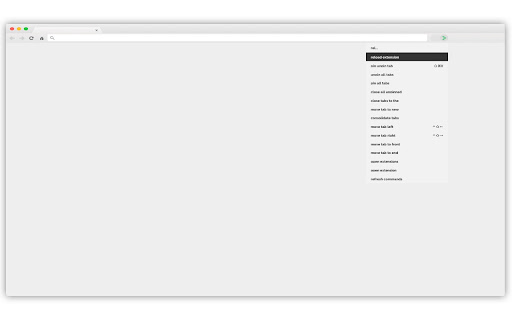
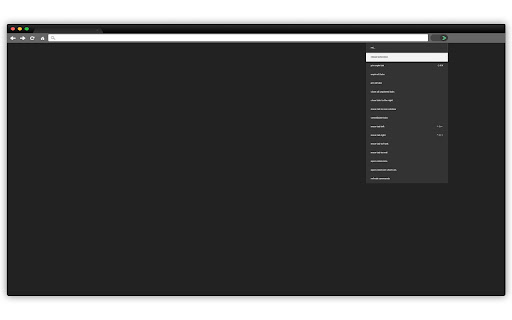
A command palette inspired by⇧⌘P in Visual Studio Code and ⇧⌘A in Webstorm with commands and shortcuts to help you stay organized and productive.

Supported Commands

- pin unpin tab
- unpin all tabs
- pin all tabs
- close all unpinned tabs
- close tabs to the right
- move current tab to new window
- collect all tabs into one window
- move tab highlighted tabs left
- move tab highlighted tabs right
- move tab highlighted tabs to start
- move tab highlighted tabs to end
- open extension manager
- open extension shortcuts manager
Technical
- Version
- 0.1.7
- Manifest
- V3
- Size
- 1006KiB
- Min Chrome
- 88
- Languages
- 1
- Featured
- Yes
Metadata
- ID
- jdmngaaglkkhkfegaopojolefpnikcpg
- Developer ID
- u4d68eb9aa6895cece9de1205010158d7
- Developer Email
- [email protected]
- Created
- Jun 7, 2022
- Last Updated (Store)
- Dec 20, 2022
- Last Scraped
- May 28, 2026
- Website
- —
- Support URL
- —
- Privacy Policy
- —
Data sourced from the Chrome Web Store · last verified May 28, 2026.