
Colorize-Tab
Colorize-Tab - Choose your background color
As of May 2026, Colorize-Tab has 3 users in the art category.
Usersno change0%
3
3
Ratingno change0%
—
— reviews
Reviewsno change0%
—
Version
1.0.1
Manifest V3
Permissions & access
- Permissions
- searchstorageunlimitedStorage
- Host access
- None declared
Screenshots

About
With Colorize-Tab extension you can freely accommodate the tone and color of your background wallpaper


* By clicking "add to Chrome", I accept and agree to installing Colorize-Tab new-tab extension and setting Chrome New Tab to that provider by the service and the EULA (https://color-tab.com/end-user-license-agreement/) and Policy (https://color-tab.com/privacy-policy/).
For more information please visit our website.
Technical
- Version
- 1.0.1
- Manifest
- V3
- Size
- 863KiB
- Min Chrome
- 88
- Languages
- 1
- Featured
- No
Metadata
- ID
- ihambodkifkgaigahgdicdokjleldbci
- Developer ID
- u062337735299b036fc3cabb776f843c2
- Developer Email
- [email protected]
- Created
- Nov 9, 2023
- Last Updated (Store)
- Jan 24, 2025
- Last Scraped
- May 25, 2026
- Website
- —
- Support URL
- https://color-tab.com/#contact-us
- Privacy Policy
- https://color-tab.com/privacy-policy/
Similar extensions
Alternatives to Colorize-Tab, ranked by description similarity.

Classic Cars New Tab
Classic Cars Wallpaper changes its new tab to Classic Cars background.
170

Image-Filter
Image-Filter - Upload your photo and add set filters
5
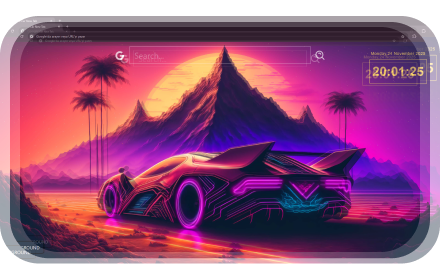
Retrowave Car New Tab
Retrowave Car Wallpaper changes its new tab to Retrowave Car background.
193
★ 5.0
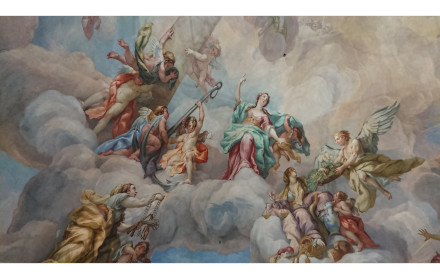
Art New Tabs
The best art wallpaper images with our extension!
1.0K
★ 4.0

Hyper Cars New Tab
Hyper Cars Wallpaper changes its new tab to Hyper Cars background.
99

Random wallpaper
Show a random wallpaper with Bing search on your new tab page
5.0K
★ 3.6

Motorcycle New Tab
Motorcycle Wallpaper changes its new tab to Motorcycle background.
78
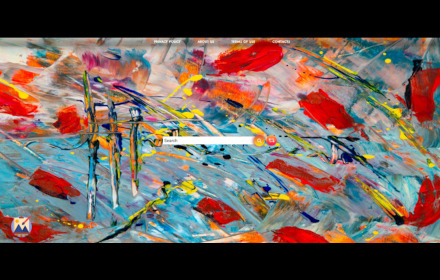
Art New tabs
The best art wallpaper images with our extension!
10.0K
★ 4.3
Data sourced from the Chrome Web Store · last verified May 25, 2026.