
Midnight Chrome
Here's how to get the dark title bar (Windows): 1) Hit Start, search "regedit", press ENTER. It can also be found in…
As of June 2026, Midnight Chrome has 127 users and a 4.00/5 rating from 12 reviews.
Usersdown 0.8 percent−0.8%
127
127
Ratingno change0%
4.00
12 reviews
Reviewsno change0%
12
Version
1.0.3
Manifest V2
History
3 snapshotsTracking since Apr 1, 2026.
View as table
| Date | Users | Rating | Reviews | Version |
|---|---|---|---|---|
| Apr 1, 2026 | 128 | 4.00 | 12 | 1.0.3 |
| May 3, 2026 | 135 | 4.00 | 12 | 1.0.3 |
| Jun 3, 2026 | 128 | 4.00 | 12 | 1.0.3 |
| Now | 127 | 4.00 | 12 | 1.0.3 |
Permissions & access
- Permissions
- None declared
- Host access
- None declared
Screenshots

About
Here's how to get the dark title bar (Windows):

1) Hit Start, search "regedit", press ENTER. It can also be found in "C:\Windows\.."

2) Navigate to HKEY_LOCAL_Machine\SOFTWARE\Microsoft\Windows\CurrentVersion\Themes\ by opening the folders in the left pane.

3) Create the Accents key under Themes if it does not exist by right-clicking on the Theme folder and selecting New -> Key then renaming the key to "Accents."

4) Open the Accents key.

5) Create a subkey named "0" under Accents and another named "Theme0" under that.

6) Create a new DWORD (32-bit) value named "Color" under Theme0. You can create new DWORD values by right-clicking in the right pane and selecting New -> DWord (32-bit) and then renaming the entry it creates.

7) Open the Color DWORD value by double-clicking on it.

8) Enter a the Color value "ff191919" and click OK.

9) Open up the Personalization program by through start, or by right clicking on your desktop and then clicking Personalize.

10) Click on the Color tab, then your new custom color should be at the bottom of the list!

11) Check "Show color on title bar" to ON.
Technical
- Version
- 1.0.3
- Manifest
- V2
- Size
- 10.11KiB
- Min Chrome
- —
- Languages
- 1
- Featured
- No
Metadata
- ID
- gjghclkikpicghcflnmlmmpmfpedchkf
- Developer ID
- ue7acde00a6a807c96721c95f920ae4e5
- Developer Email
- [email protected]
- Created
- Jun 12, 2017
- Last Updated (Store)
- Feb 15, 2018
- Last Scraped
- Jun 3, 2026
- Website
- —
- Support URL
- —
- Privacy Policy
- —
Similar extensions
Alternatives to Midnight Chrome, ranked by description similarity.

Greyish Blues
Minimal Theme with greyish blues
95
★ 5.0

Tranquil Blue
A minimalistic blue theme inspired by Windows
2.0K
★ 4.8

Dark Slate Modern
A modern dark slate tinted theme. Address bar color matches toolbar color, making the browser appear more sleek than standard…
99
★ 1.0
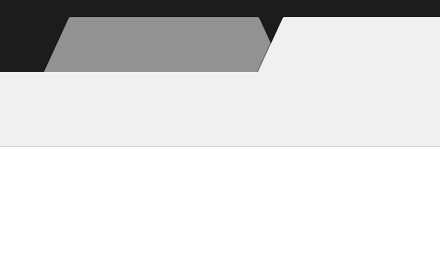
Special Dark Gray
Special Dark Gray
137
★ 4.8
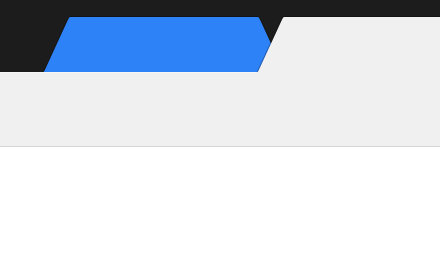
Special Dark Blue
Special Dark Blue
28
★ 3.6
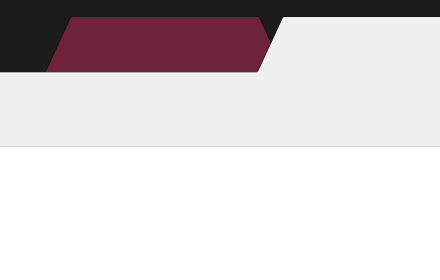
Special Dark Cherry
Special Dark Cherry
9
★ 3.4

Black Frame
Flat black title bar, all else default.
408
★ 4.8

adir
A theme for windows 10 light mode
3
Data sourced from the Chrome Web Store · last verified Jun 3, 2026.