
DigitalPage Web Clipper
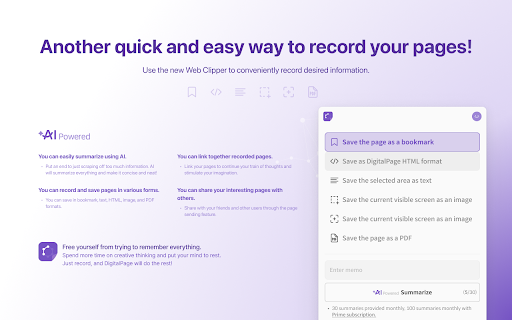
Another quick and easy way to record your pages! Use the new DigitalPage Web Clipper to conveniently record desired information.
As of May 2026, DigitalPage Web Clipper has 75 users and a 5.00/5 rating from 3 reviews in the Productivity category.
Usersdown 7.4 percent−7.4%
75
75
Ratingno change0%
5.00
3 reviews
Reviewsno change0%
3
Version
1.3.11
Manifest V3
History
5 snapshotsTracking since Apr 1, 2026.
View as table
| Date | Users | Rating | Reviews | Version |
|---|---|---|---|---|
| Apr 1, 2026 | 81 | 5.00 | 3 | 1.3.11 |
| Apr 21, 2026 | 76 | 5.00 | 3 | 1.3.11 |
| May 6, 2026 | 80 | 5.00 | 3 | 1.3.11 |
| May 18, 2026 | 81 | 5.00 | 3 | 1.3.11 |
| May 31, 2026 | 77 | 5.00 | 3 | 1.3.11 |
| Now | 75 | 5.00 | 3 | 1.3.11 |
Permissions & access
- Permissions
- tabscontextMenusstoragepageCapture
- Host access
- <all_urls>
Screenshots
About
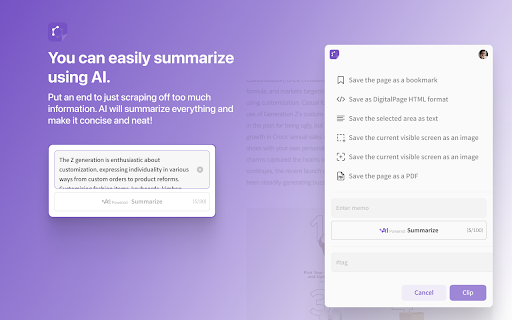
You can easily summarize using AI.

- Put an end to just scraping off too much information. AI will summarize everything and make it concise and neat!

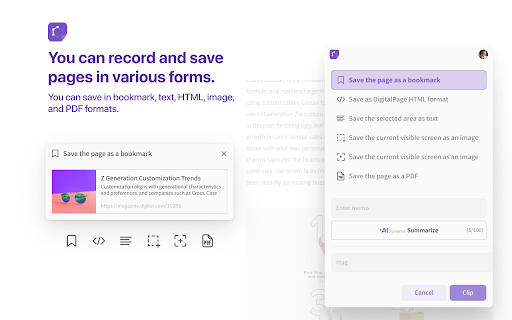
You can record and save pages in various forms.

- You can save in bookmark, text, HTML, image, and PDF formats.

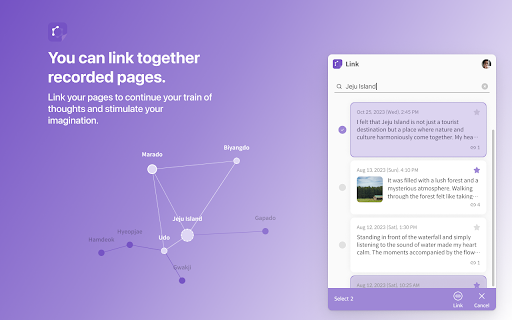
You can link together recorded pages.

- Link your pages to continue your train of thoughts and stimulate your imagination.

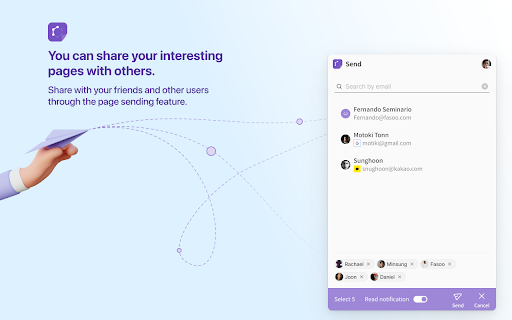
You can share your interesting pages with others.

- Share with your friends and other users through the page sending feature.

Free yourself from trying to remember everything.

Spend more time on creative thinking and put your mind to rest.

Just record, and DigitalPage will do the rest!
Technical
- Version
- 1.3.11
- Manifest
- V3
- Size
- 568KiB
- Min Chrome
- 88
- Languages
- 2
- Featured
- Yes
Metadata
- ID
- geenhpeoknjpnfdcjgdglmgnieadgaph
- Developer ID
- u5115c8faf6b7c1dc6584bba44e021568
- Developer Email
- [email protected]
- Created
- Nov 15, 2023
- Last Updated (Store)
- Aug 13, 2025
- Last Scraped
- May 31, 2026
- Website
- —
- Support URL
- https://digitalpage.me
- Privacy Policy
- https://home.digitalpage.me/en/privacy
Similar extensions
Alternatives to DigitalPage Web Clipper, ranked by description similarity.

WrapIt – Your Personal Knowledge Hub, Everywhere You Are
Chrome extension to save, summarize, and strategize your web content.
6

LucidPages — Website Summarizer
Get fast, customizable AI summaries of any webpage using Google Gemini.
244
★ 4.7

AI Webpage Summarizer
AI-powered tool that transforms articles, blogs, and webpages into concise summaries in seconds!
21
★ 3.5

Summary and Talk with Website
Summarize web pages and chat about their content using AI
3

Digestmark
Summarize every web page with AI
8
★ 5.0

AI Quick Summary - Smart Content Summarizer
Summarize websites and YouTube videos with AI — then turn them into social media posts in seconds.
27
★ 4.0

Save Webpages as PDF & Screenshot – PageToSave
Save webpages as PDF or screenshots, capture full scrolling pages, archive articles and AI chats, and search them instantly.
34
★ 5.0

AI Page Summarizer
Summarizes web pages using AI
10
★ 3.7
Data sourced from the Chrome Web Store · last verified May 31, 2026.