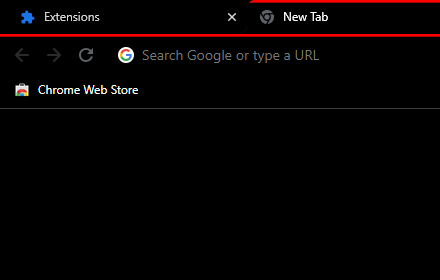
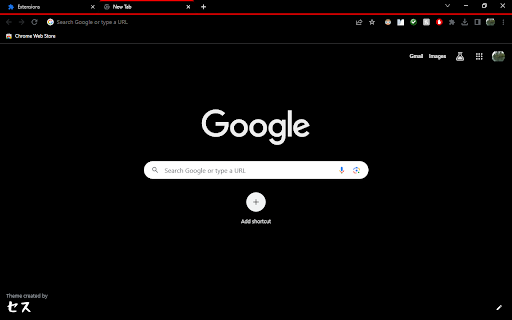
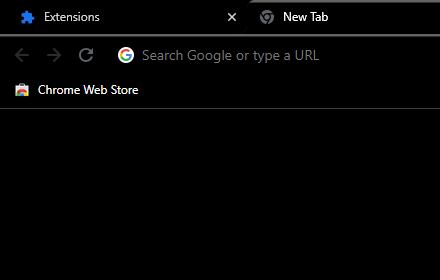
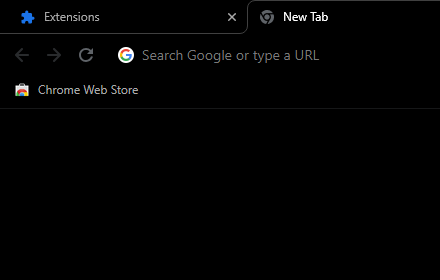
Black theme with red highlighted active tab
Black theme red highlighted active tab.
As of May 2026, Black theme with red highlighted active tab has 7,000 users and a 4.61/5 rating from 101 reviews in the dark category.
Usersno change0%
7.0K
7,000
Ratingno change0%
4.61
101 reviews
Reviewsno change0%
101
Version
2.05
Manifest V3
History
2 snapshotsTracking since Apr 29, 2026.
View as table
| Date | Users | Rating | Reviews | Version |
|---|---|---|---|---|
| Apr 29, 2026 | 7.0K | 4.61 | 101 | 2.05 |
| May 26, 2026 | 10.0K | 4.61 | 101 | 2.05 |
| Now | 7.0K | 4.61 | 101 | 2.05 |
Permissions & access
- Permissions
- None declared
- Host access
- None declared
Screenshots
About
Brightened Forward/Back/Refresh and other control icons.

Microsoft Edge:
Unfortunately, the layout between Chrome and Microsoft Edge browsers is different.  As this is the Chrome store, my primary focus is ensuring that my themes display as I intend them to in Chrome.

I will see about creating Edge specific versions.

Themes created/fixed on my own time mean that I get to make them how I want on my own timeline...unless someone wants to pay me.  :)

Themes are no longer supported in Incognito/InPrivate mode in Chromium based browsers (Edge, Chrome, Brave, Opera, and others).

Google has forced a standard Incognito theme across the board, which is why they all have the same grey theme.

To Remove the Theme from Chrome:

1) On your computer, open Chrome.
2) At the top right click the three vertical dots.
3) On the popup menu, click "Settings".
4) On the left menu, click "Appearance,"
5) In the main window, click the button that says "Reset to default" and you will have the standard default Google Chrome theme again.
Technical
- Version
- 2.05
- Manifest
- V3
- Size
- 9.39KiB
- Min Chrome
- 88
- Languages
- 1
- Featured
- No
Metadata
- ID
- ejidlkajldkjcboppojcjjciggjacggp
- Developer ID
- u75df3ed9c399049564eacf5046631237
- Developer Email
- [email protected]
- Created
- May 27, 2019
- Last Updated (Store)
- Oct 28, 2024
- Last Scraped
- May 26, 2026
- Website
- —
- Support URL
- —
- Privacy Policy
- —
Similar extensions
Alternatives to Black theme with red highlighted active tab, ranked by description similarity.

Black with red active tab and red text
Black theme with red highlighted active tab and red text.
1.0K
★ 4.8
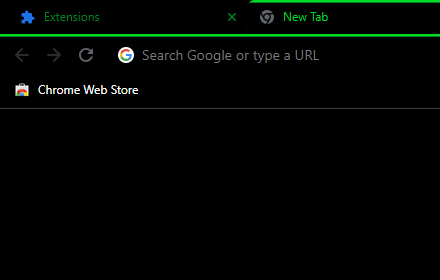
Black and green theme with green text
Black theme with green active tab and green text.
1.0K
★ 4.8
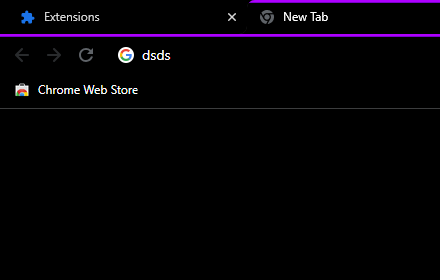
Black theme purple highlighted active tab
Black theme with purple highlighted active tab.
9.0K
★ 4.8

Theme with Orange highlighted active tab
Black theme with Orange highlighted active tab.
402
★ 4.2
Back in Black with a Hint o Grey
Back in Black with a Hint o Grey.
63
★ 3.8

Black theme with green active tab
Black theme with green highlighted active tab. Working with Chrome 116.0.5845.111.
746
★ 4.4

Black theme with blue highlighted active tab
Black theme with blue highlighted active tab.
1.0K
★ 4.8
Back in Black
All black theme
279
★ 5.0
Data sourced from the Chrome Web Store · last verified May 26, 2026.